

VanceAI
VanceAI offers photo enhancement, restoration and video tools. Credit-based cloud processing differs from its local Windows software, and generated details need inspection.

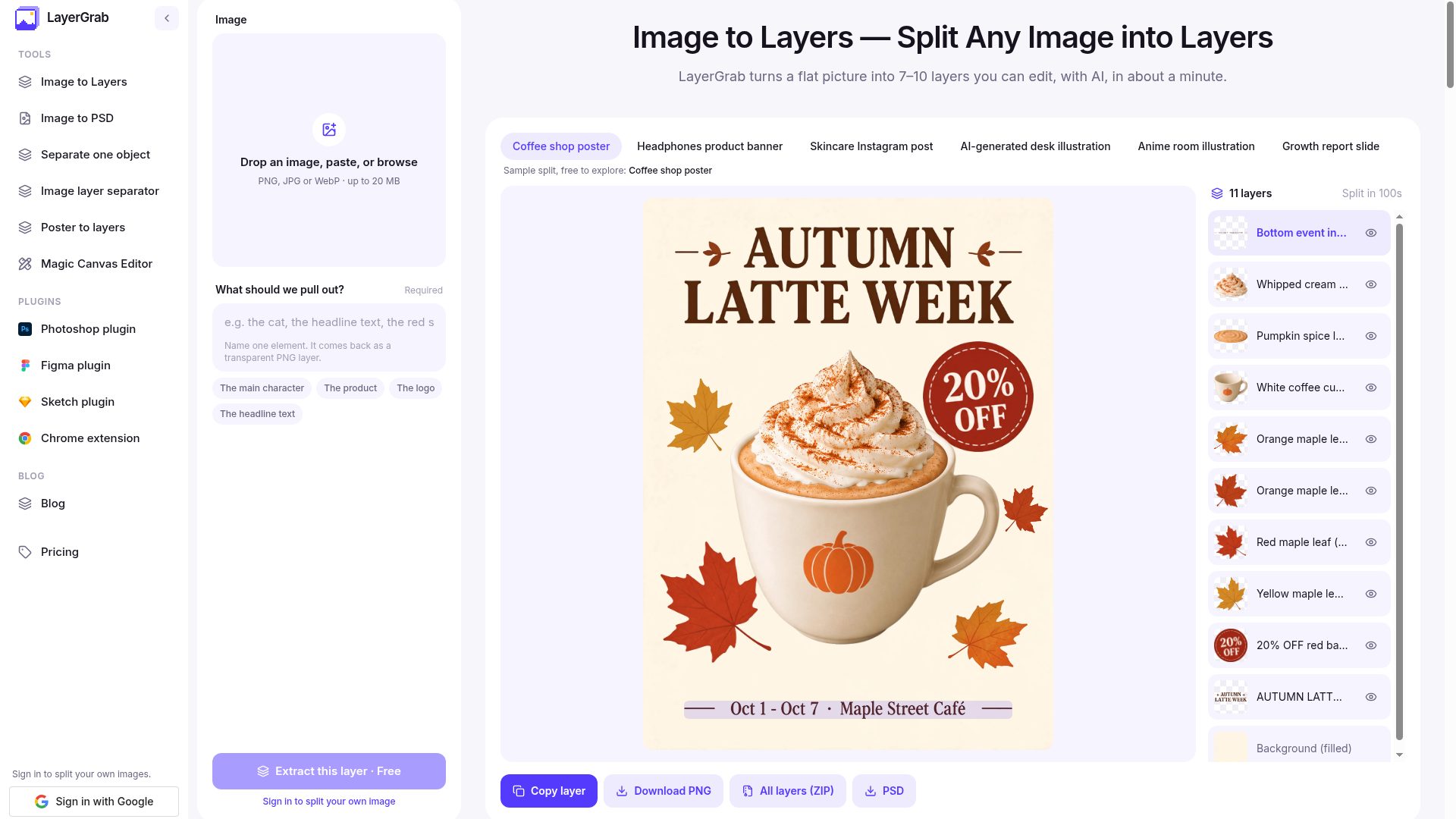

LayerGrab separates flat images into transparent layers and a filled background, exporting PNG, ZIP or PSD. Paid use follows a limited trial and is charged per layer; results need checking and do not recreate original editable design objects.
LayerGrab separates elements in a flat image into transparent layers with a filled background. It helps rearrange posters, product visuals or concepts when the original design file is unavailable.
Upload permitted material and identify the intended object where needed. Check transparency, edges and the reconstructed background. Hidden detail is estimated rather than a documented recovery of the original scene.
PNG layers, ZIP bundles and PSD export are offered. A layered file does not automatically restore editable text or original vector objects. Inspect dimensions, layer order and colour in your editor before final design work.
Public samples and one account trial split precede paid plans or credit packs. Charges follow returned layers including the background, not simply image count. Pack expiry and subscription renewal differ and results have limited retention; download needed outputs and check credit coverage before complex splits.
A free account receives one split of its own image, including downloads; this is a one-time allowance, not a recurring free quota. Plans start at $12 per month for about 120 layers and one-time packs at $20. A typical image returns several layers plus a filled background, so a layer allowance is not an image allowance. Small light text can shift colour, shadows may be lost and repeated runs can return different layer counts. Designed compositions are a more suitable starting point than crowded photos. Keep the original and allow time to inspect and repair the exported layers.
VanceAI offers photo enhancement, restoration and video tools. Credit-based cloud processing differs from its local Windows software, and generated details need inspection.

Image background removal with an announced December2026 transition toCanva and Leonardo.Ai for API use;check quality,account terms and credits before migrating.

Restore Photos uses AI to improve old or blurry face photos, with a comparison view and a linked open-source project. The current interface requests Google sign-in and offers one free restoration. Check additional-use limits and keep the original, since enhanced details may be inferred rather than recovered accurately.