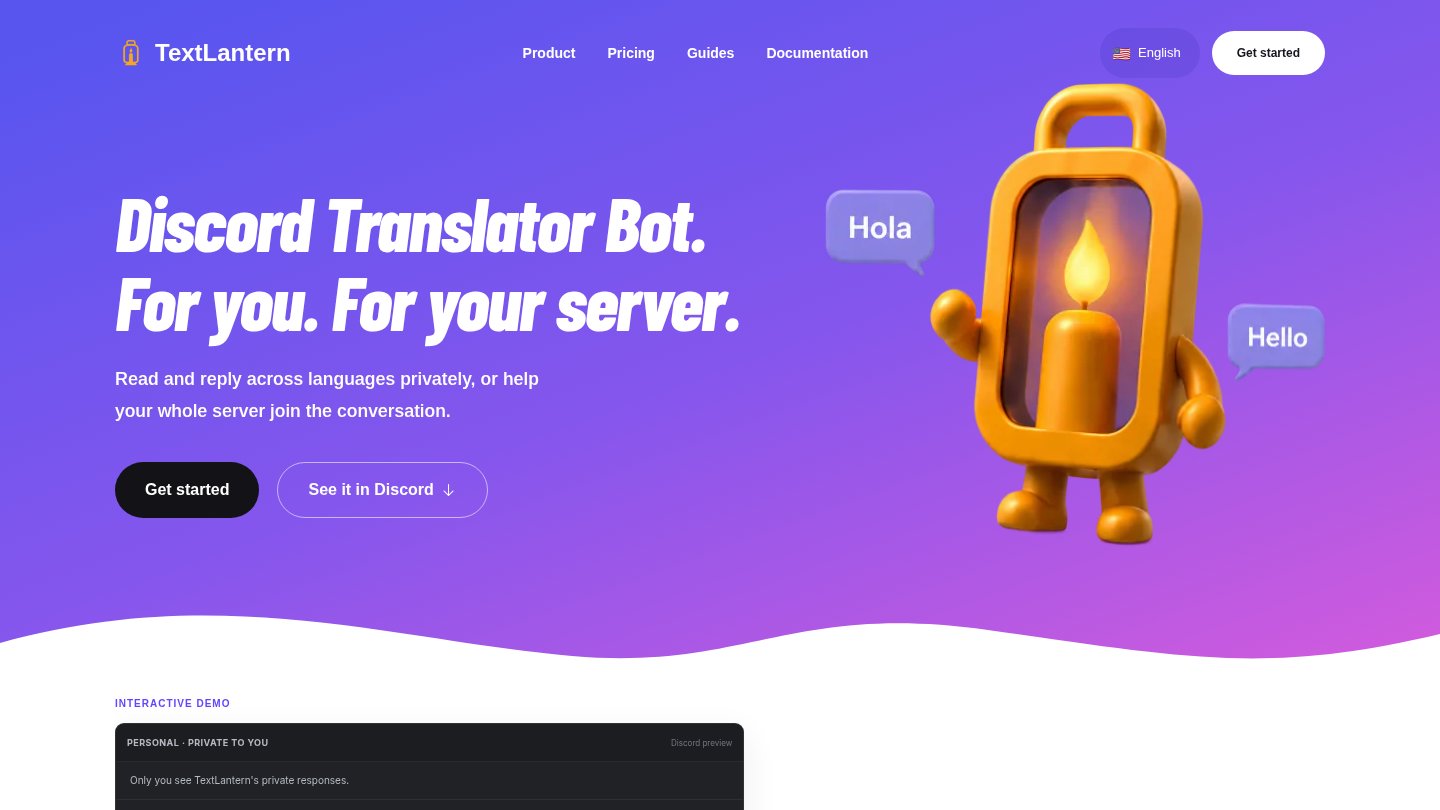
TextLantern translates conversations inside Discord for members and administrators of multilingual gaming, learning and work communities. It combines private message translation with automatic channel translation while keeping the original message available for reference.
How it works
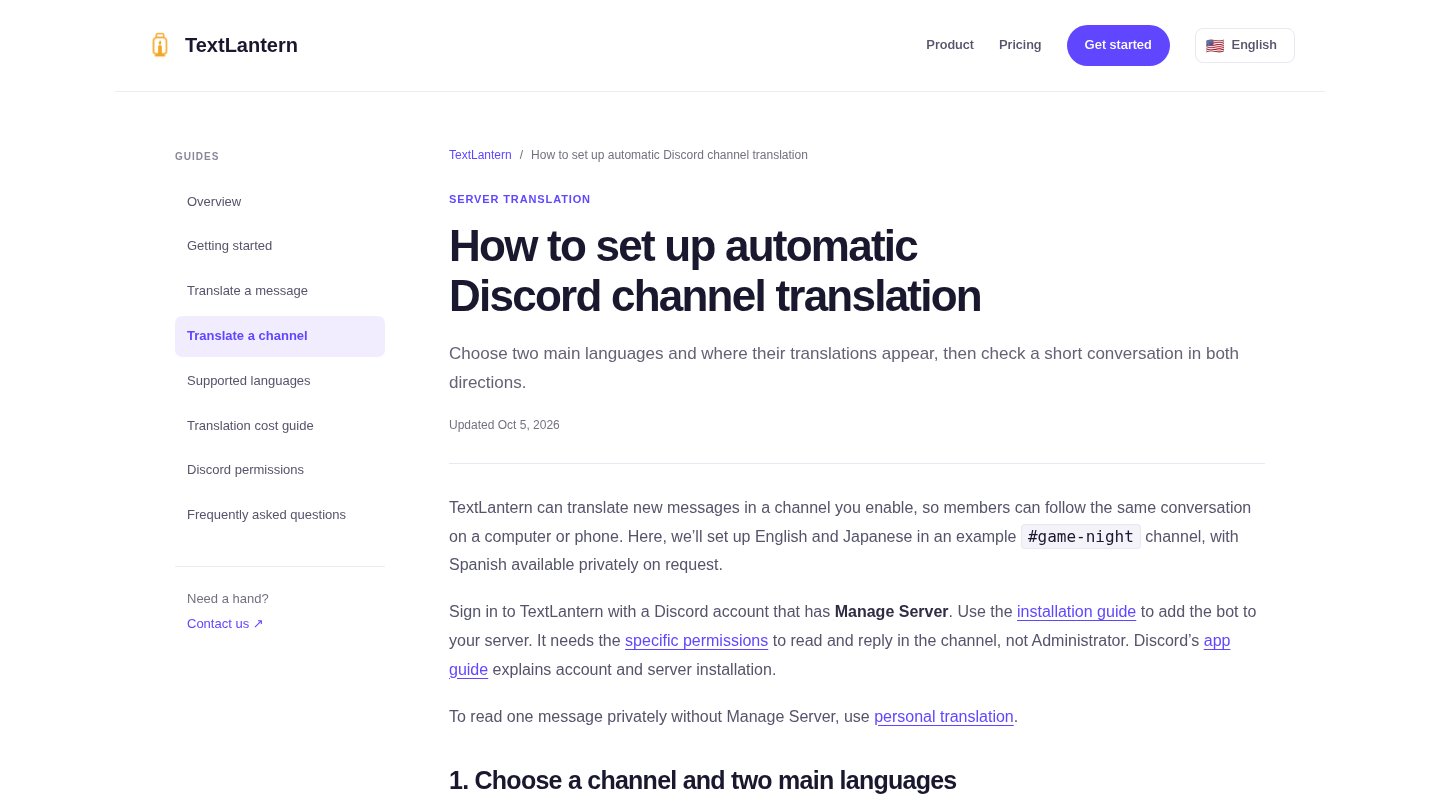
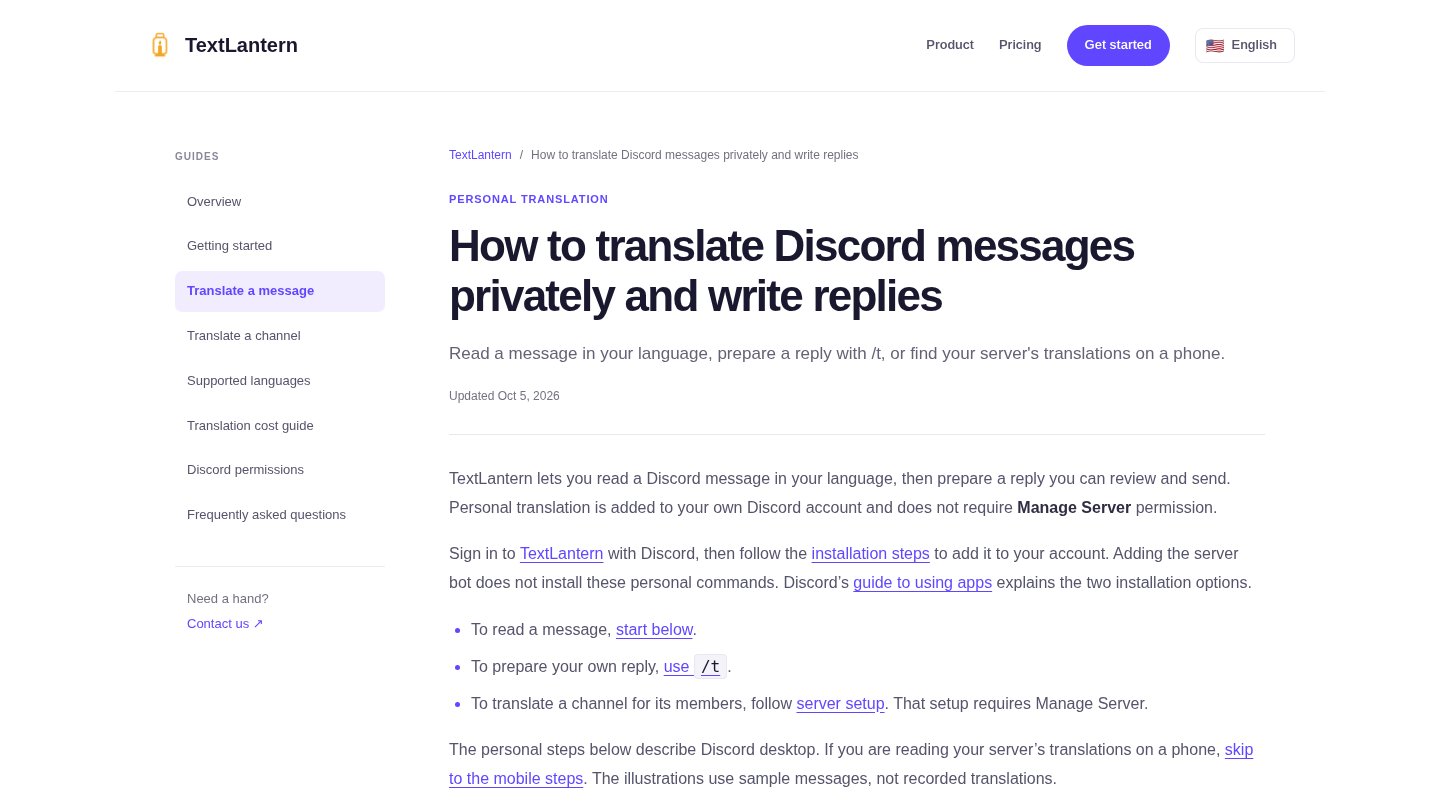
For personal use, install it for your Discord account and select Translate privately from a message’s Apps menu. To compose a reply in another language, use /t, review the result, then copy and send it yourself. Server administrators choose a channel, its two main languages and where translations appear: alongside messages or in a thread. Readers can request additional enabled languages when needed.
Access and languages
The service supports 92 translation languages, including Arabic, and provides an Arabic website. Discord sign-in and the appropriate account or server installation are required. Changing server settings requires Manage Server; the bot uses specific permissions rather than Administrator access. Working within Discord does not make TextLantern a separate mobile application.
Pricing and practical limits
This is a paid service with a one-time 300-character trial for eligible accounts, not a recurring free plan. Character packs are one-time purchases without a subscription; the displayed entry pack costs $8.99 for 250,000 characters. Source text is counted for each target language, so translating a message into several languages consumes more balance. Check the current account offer before buying.
Start with one channel and two languages to assess translation clarity and balance use before expanding. Review names, terminology and tone yourself, especially in important messages: automatic translation can miss context or humour. A result visible only to you does not mean the text is processed locally on your device.