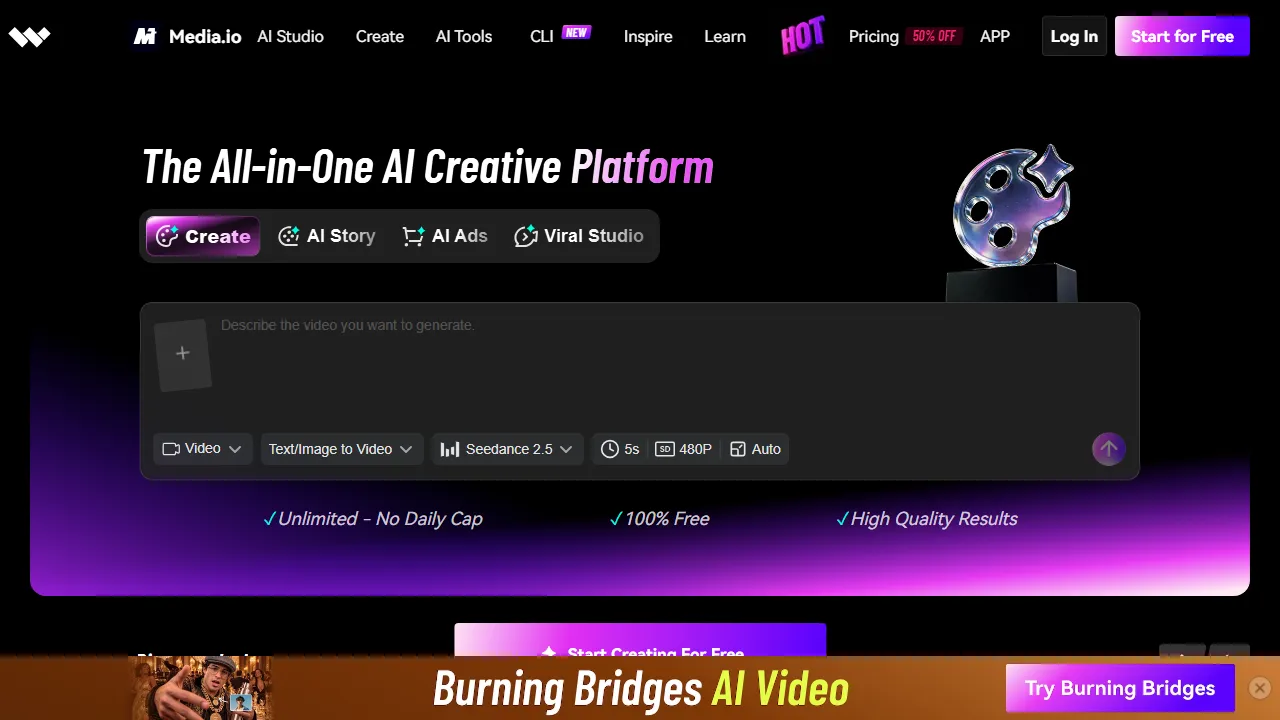
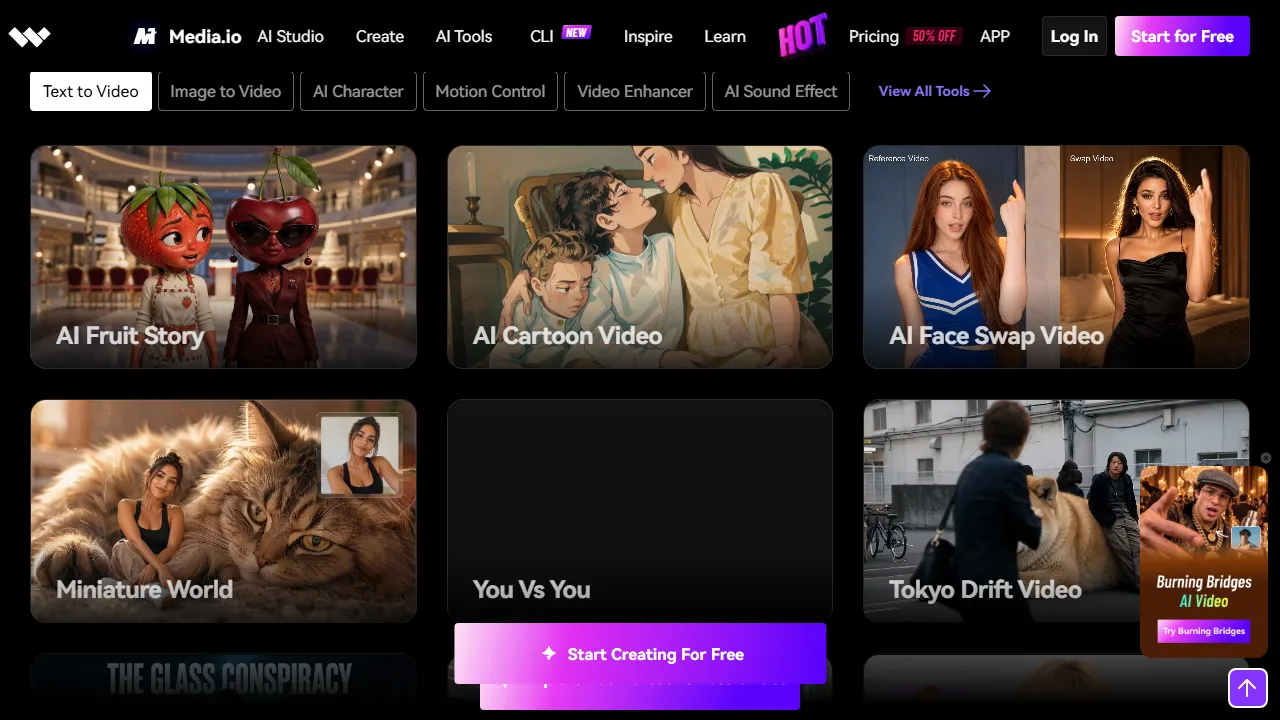
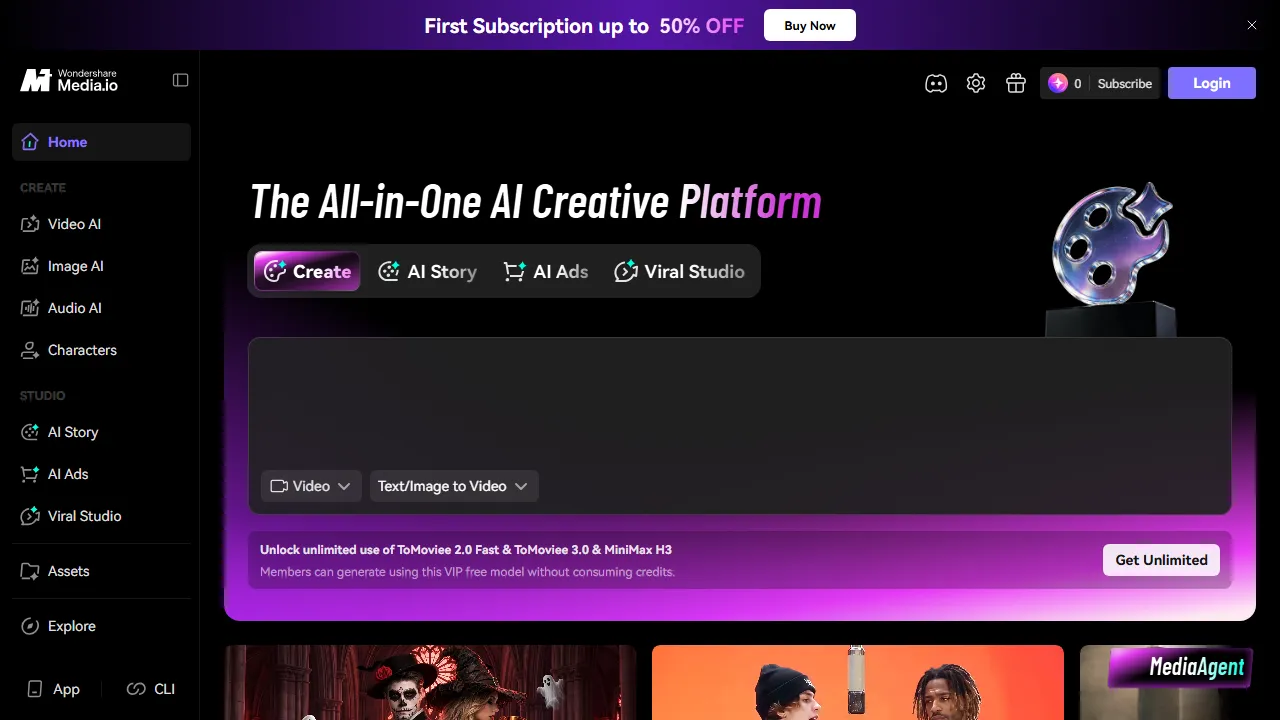
What is Media.io?
Media.io combines tools for images, video and audio, from background editing and image enhancement to generated clips, music and audio processing. Choose the tool for the task rather than treating the platform as one editor with uniform capabilities.
Begin with a checkable goal
For recording cleanup, identify the speech that must remain clear. For image enhancement, preserve the details that must not change. Generation needs a description of the result, audience and authorized reference material. These distinctions help compare suitable tools instead of exploring effects unrelated to the project.
Test a short sample first
- Select non-sensitive material representing the difficult part, such as noisy speech or a detailed image.
- Check input, retention and export limits for the chosen tool before uploading.
- Compare the result with the source, and listen or watch in full rather than relying on the first preview.
- Confirm format, resolution and cost before processing the whole project.
A cleaner-looking result can lose important information, and generation can add something absent from the source. Preserve originals so changes can be reversed.
Rights and personal material
Use material you own or have appropriate permission to process. A face-changing, object-removal or watermark tool does not grant permission to reuse another person's work or depict someone in an unapproved situation. Review file-handling terms for personal images and voices, and do not treat a copyright-checking feature as legal clearance.
Free, paid and platform access
The service presents free tools and paid offers, with credits for some operations. Check the selected tool's current watermark, rights and retention conditions rather than extending one free-feature promotion to the entire suite. This description focuses on the web service and does not assume an unverified native desktop app. A specialized editor may be enough when one recurring task is all you need.