

Rose AI
AI-assisted data discovery,analysis and visualization,particularly for financial research;verify sources and confirm access and cost with the vendor.

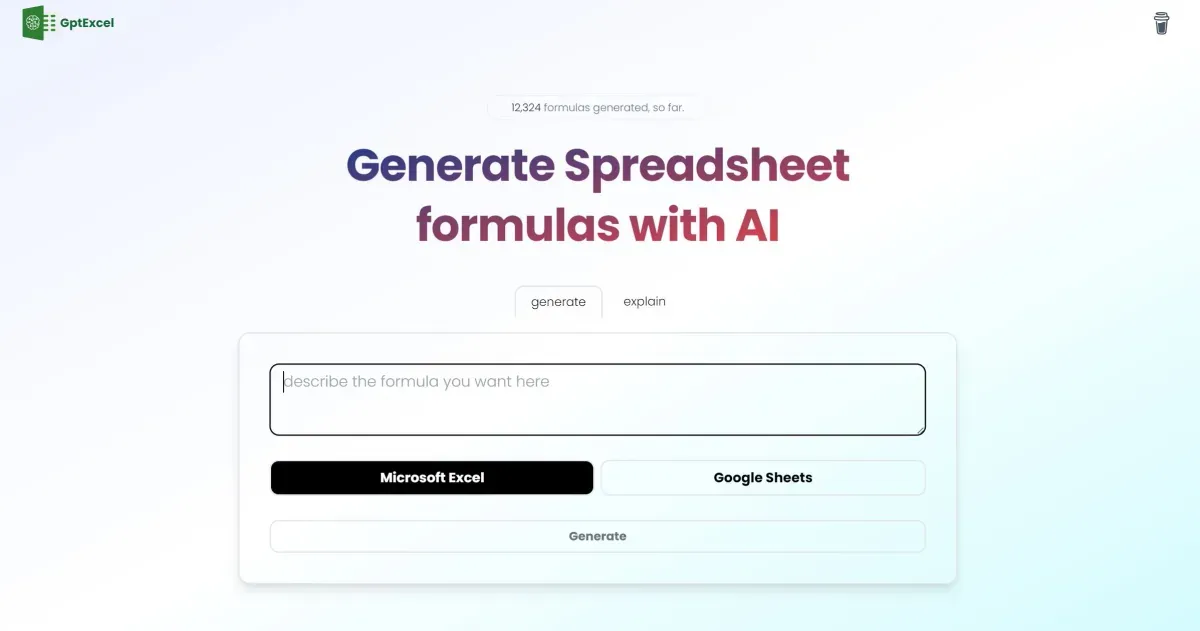
GPTExcel helps generate and explain formulas, analyse spreadsheets, clean data and create charts or supporting code. Free check-in credits and paid options differ; test outputs before using them in working files.
GPTExcel assists with spreadsheets through plain-language requests. Current tools generate and explain Excel and Google Sheets formulas, chat with files, clean data and create charts, alongside generators for SQL, VBA and Apps Script.
Specify column names, data types and the required result, including normal, empty and duplicate cases. Test formulas on rows with known answers and check locale-specific separators and dates. A generated explanation helps understanding without proving the calculation correct.
File analysis, export and data-connection workflows extend beyond manually copying formulas. Start with a copy and inspect removed or modified rows and units before accepting cleanup. Review code and permissions before running macros or connecting databases, avoiding unnecessary private fields.
Free credits can be collected through daily check-ins; the advertised monthly maximum is not necessarily an automatic full allocation. Paid allowances and task or model costs differ, with additional credit packs available. Check conditions behind unlimited-use labels and connection access rather than relying on old Pro prices or limits.
AI-assisted data discovery,analysis and visualization,particularly for financial research;verify sources and confirm access and cost with the vendor.

OSSInsight is a free platform for analysing public GitHub activity and comparing projects. Data Explorer is under maintenance and some rankings are paused; check time coverage before comparing results.

Arcwise helps teams investigate metric changes and prepare data-linked explanations or reports. Review definitions and context, and confirm current access, pricing and integrations rather than relying on older spreadsheet-extension descriptions.