

Pi AI
Pi AI is Inflection’s personal assistant for thinking through ideas, planning steps and rehearsing everyday conversations. Free access and a mobile app are available; supportive responses are not verified facts or professional care.
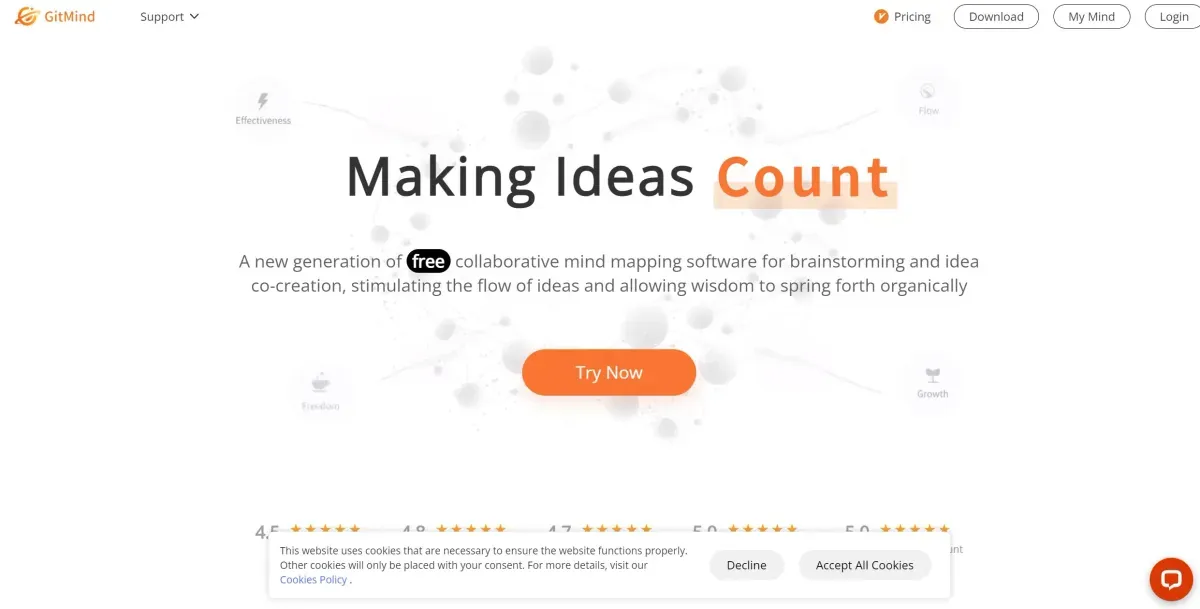
GitMind combines mind maps, diagrams and summaries from text, files and other material in a visual knowledge workspace. It can turn long content into a structure to review, rather than serving only as a slide-deck builder. Check relationships, omissions and current plan and file limits.
GitMind currently presents itself as an AI knowledge workspace and second brain, combining mind maps, diagrams and summarization. Its site describes text, files, images, audio and video workflows depending on the tool. This differs from a conventional slide builder: a result may be a map or summary used to understand source material.
Begin with material whose topic you understand and define the goal: key ideas, process stages or relationships. Review generated headings and branches, renaming vague labels. Split an overloaded branch or merge overlapping ones so the structure reflects the intended reasoning.
Return to the source for consequential information. Check whether an arrow represents sequence, cause or simple association; visual order does not establish a relationship. For study, explain the map without reading the original paragraphs, then add an example exposing gaps in understanding.
A summary can omit an exception, and a diagram can oversimplify a process. Review figures, names and critical steps before sharing. For technical diagrams, have the rules and relationships checked rather than treating the output as an implementation-ready design.
The provider lists desktop, mobile and browser-extension access, with capabilities and processing limits potentially differing. Confirm file formats, allowances, export, sharing and private-content terms. For a few short ideas, compare it with a manual map; assistance becomes more useful when the source is long and you can review the compression.
GitMind lists a continuing free Basic tier with limits and paid plans for expanded access. It also describes metered credits for separate features. Check both the plan and any AI-credit cost;an unlimited map allowance does not mean every AI action is unlimited or free.
Pi AI is Inflection’s personal assistant for thinking through ideas, planning steps and rehearsing everyday conversations. Free access and a mobile app are available; supportive responses are not verified facts or professional care.

Reflect connects daily notes and project knowledge. Its current open version uses local Markdown files with optional AI through your own provider key and separate usage charges. Mac access is free and iPhone/iPad access paid;Reflect Classic remains a distinct maintained version.

Mem combines notes and knowledge with an assistant for contextual recall and task/project follow-through. Free and paid plans have limits; review saved context, drafts and suggested follow-ups.