

Pi AI
Pi AI is Inflection’s personal assistant for thinking through ideas, planning steps and rehearsing everyday conversations. Free access and a mobile app are available; supportive responses are not verified facts or professional care.

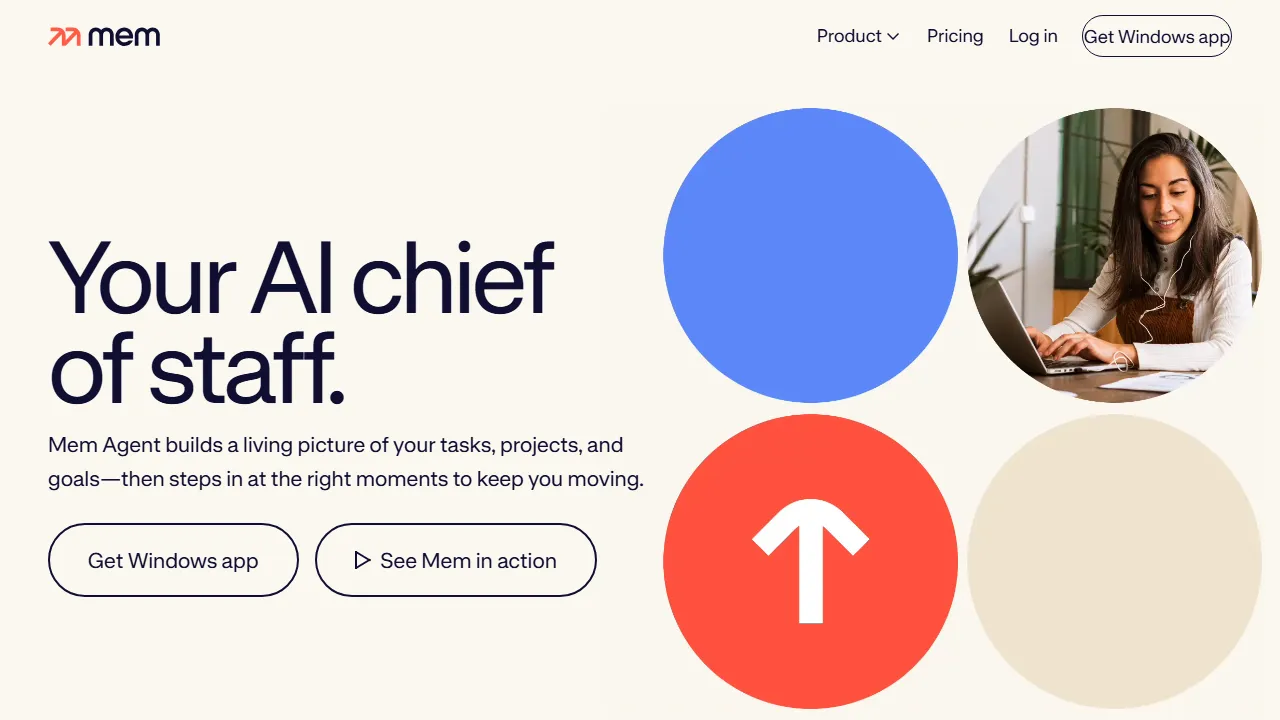
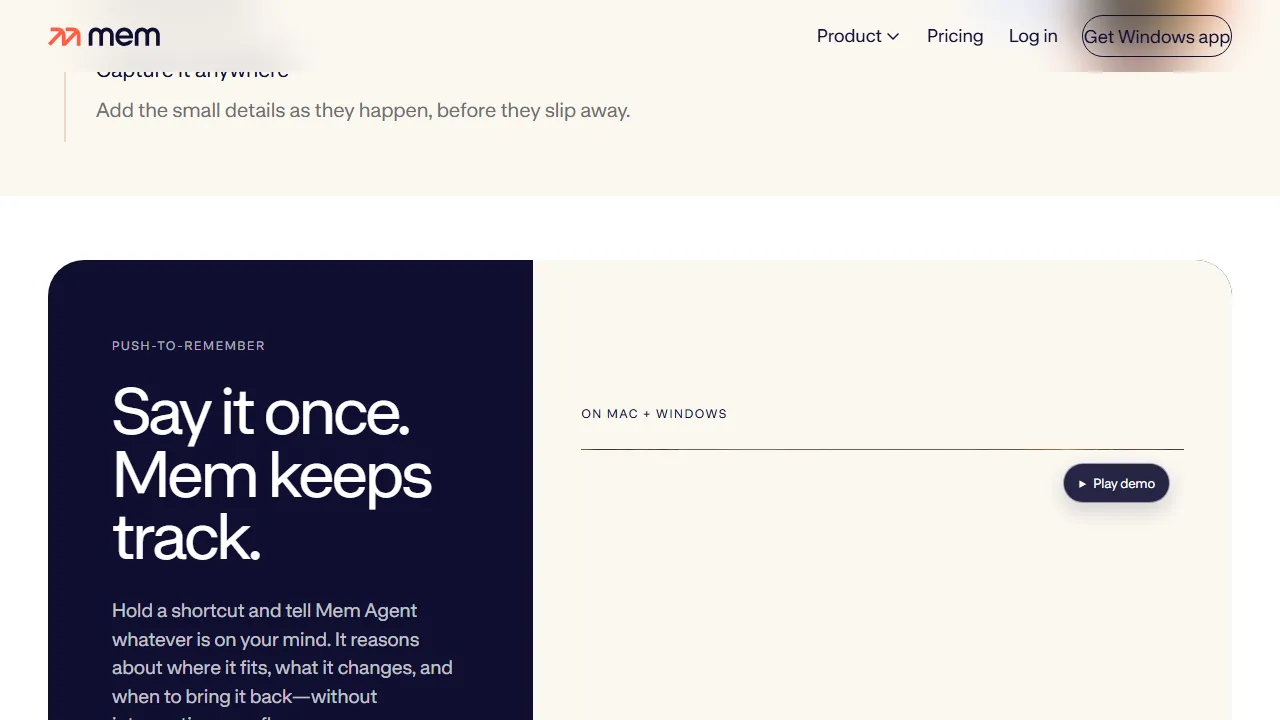
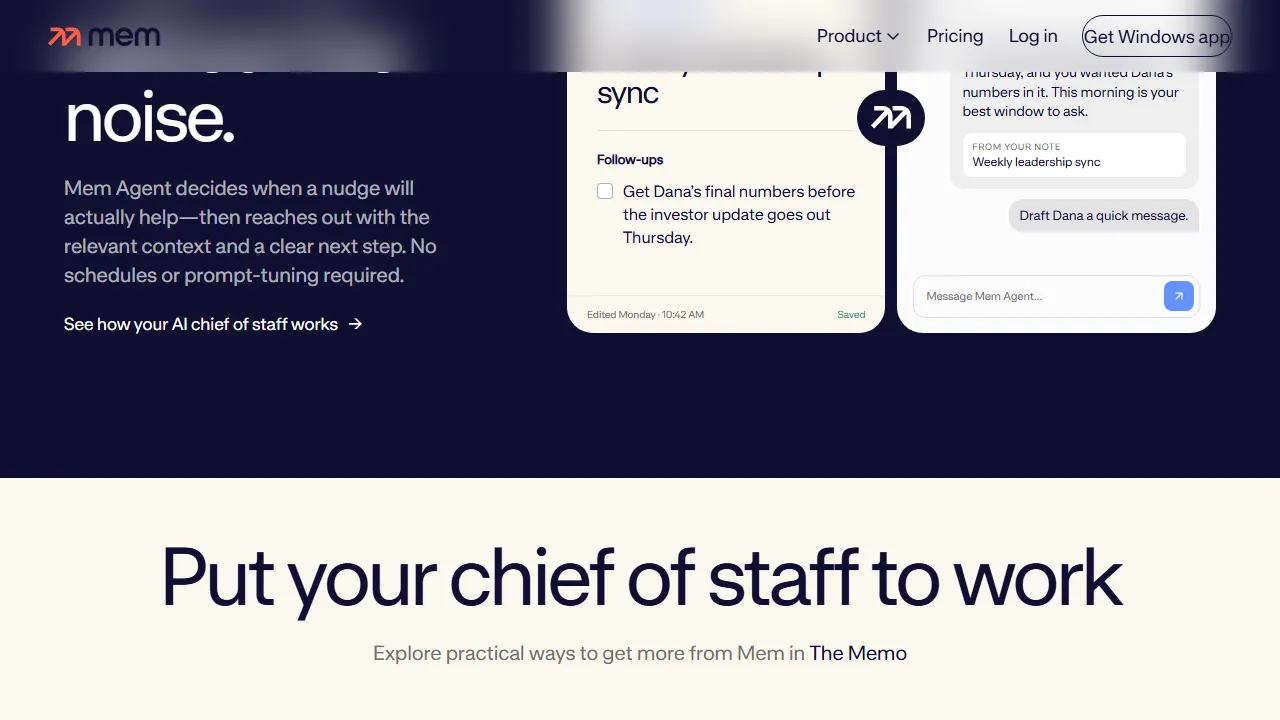
Mem combines notes and knowledge with an assistant for contextual recall and task/project follow-through. Free and paid plans have limits; review saved context, drafts and suggested follow-ups.
Mem combines notes and knowledge with an assistant that uses saved context for ideas, tasks and projects. It suits people gathering meeting notes and research who want later recall without building elaborate folders for every item.
Workspace holds notes and sources; Agent advertises semantic recall, drafts, summaries and contextual follow-ups. Voice capture, custom routines and external connections depend on the plan. Proactive assistance does not mean it understands every priority or completes every action without oversight.
Start with clear notes identifying people, dates and decisions. Ask for a remembered detail and compare it with its source. Correct stale context before using it in a draft or follow-up. Review external connections and their permissions, and do not treat missing information or an automated inference as your final decision.
Free and paid plans have separate limits for messages, notes, tasks, projects and voice, with routines and connections at selected levels. Official iOS, Mac and Windows apps are available. Current programmatic access needs confirmation from the vendor. Confirm API inclusion, export, retention and allowances before moving a work archive or buying extra capacity.
Pi AI is Inflection’s personal assistant for thinking through ideas, planning steps and rehearsing everyday conversations. Free access and a mobile app are available; supportive responses are not verified facts or professional care.

Reflect connects daily notes and project knowledge. Its current open version uses local Markdown files with optional AI through your own provider key and separate usage charges. Mac access is free and iPhone/iPad access paid;Reflect Classic remains a distinct maintained version.

DeepSeek offers a general web/mobile assistant with separate API and desktop tools. Verify sources, outputs and data terms, and distinguish free assistant access from metered developer use. Published models do not make every hosted workflow local or open source.