

VidEraser
Image/video editor for removing text and marks with AI reconstruction; object removal is image-only, exports are paid and eligible previews require an account.

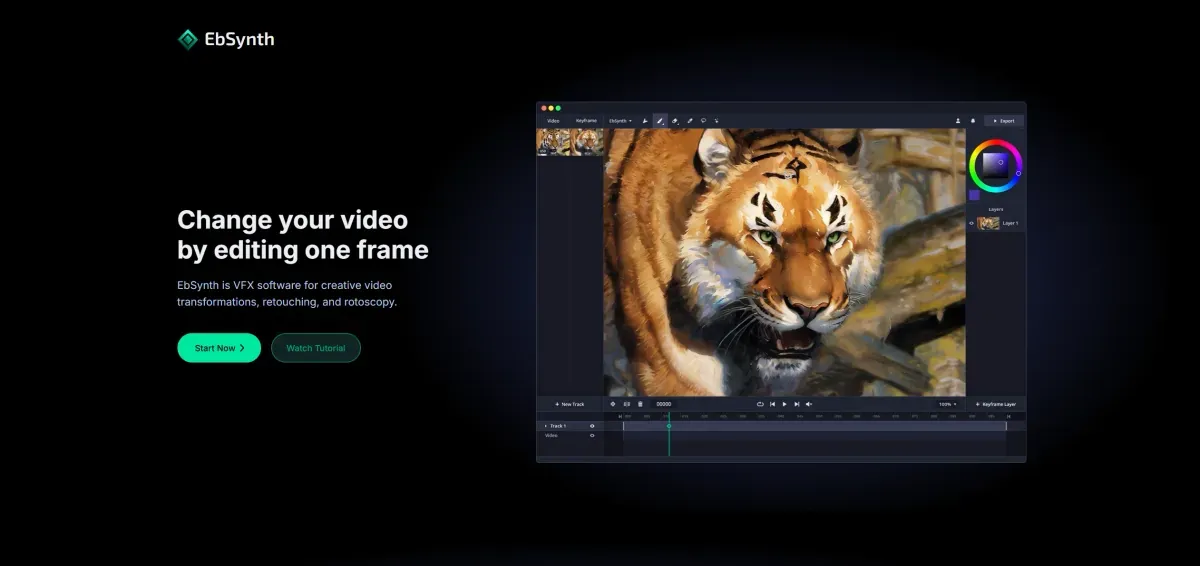
EbSynth stylizes video using edited reference frames. Its core propagation uses texture synthesis, while an optional AI feature generates reference images. Browser and paid local Windows options differ, and artists should budget for reviewing motion, edges and cleanup.
EbSynth is a video-editing and stylization tool based on reference frames edited by an artist. It suits illustrators and effects artists who want to keep creative control while working on moving footage, rather than relying only on a uniform filter.
The developer explains that keyframe propagation uses texture synthesis, not generative AI. An optional Generate Image feature uses AI to create reference frames. Creating the reference and transferring its appearance through the shot are therefore different operations.
Choose a short shot and define the intended result before editing a reference: selective color, a local retouch or a fully painted style. Keep the original, test a small section and inspect the beginning, middle and end at the intended viewing size. This helps estimate the remaining manual work before committing to a longer sequence.
Review face and hand boundaries, movement transitions and consistency of shape and color. A flawed reference should not be expected to fix itself during processing. Include cleanup and editing time in the project budget rather than assuming a particular number of production hours will be saved.
Browser access has free and paid plans with different output options. Local Windows processing is offered through Studio; not every version keeps footage off remote servers. Check plan requirements and data handling before using confidential client footage.
Compare it with your existing workflow on creative control, correction effort and export requirements. For detailed shots, combining EbSynth with your normal painting and editing tools may be more practical than expecting a single processing step to finish the entire effect.
Image/video editor for removing text and marks with AI reconstruction; object removal is image-only, exports are paid and eligible previews require an account.

Zeemo combines captions and video editing with a broader image, video and audio studio. It can help prepare readable or translated versions, but transcripts, translation and timing need review. Credits, export and retention limits depend on the plan.

Video editing with AI and limited free Essential access; 365 subscriptions and one-time editions differ in tools, updates and credits.