
VidEraser
Image/video editor for removing text and marks with AI reconstruction; object removal is image-only, exports are paid and eligible previews require an account.

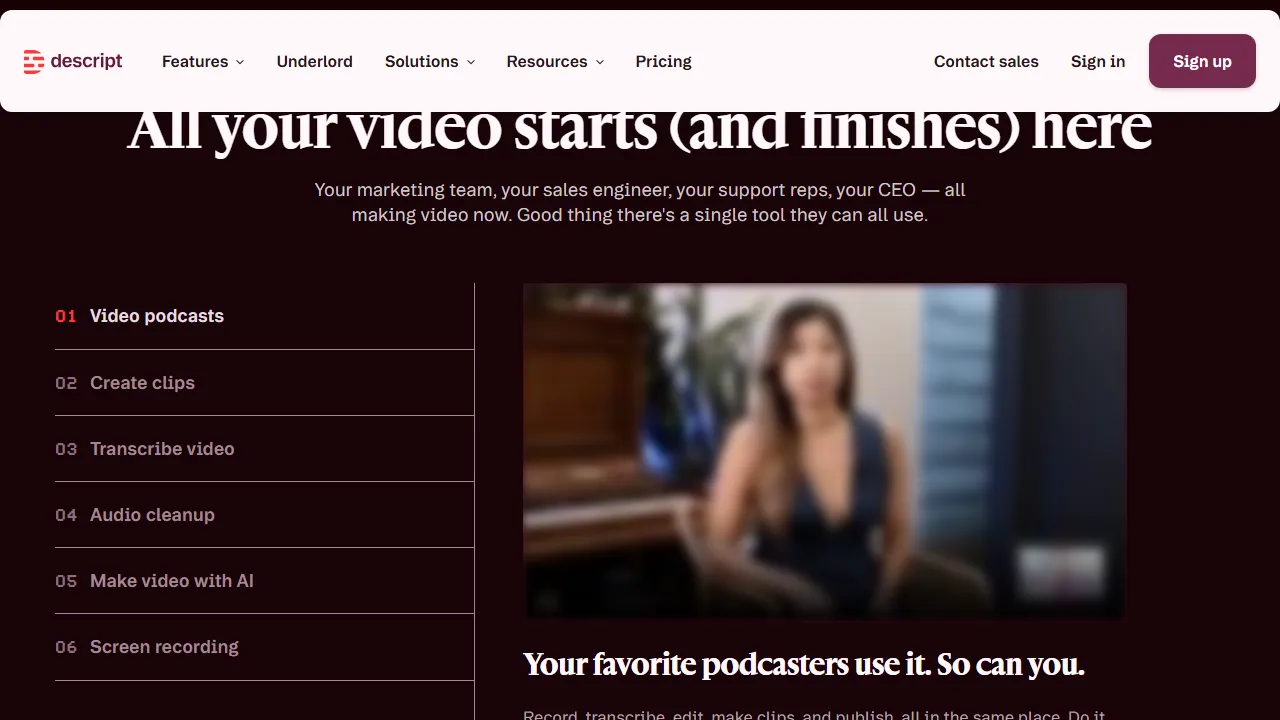

Descript edits audio and video through transcripts and a timeline, with AI assistance and cleanup tools. Free and paid plans have distinct media, AI and export limits; desktop apps and an eligible paid API route are available.
Descript edits audio and video through transcripts alongside a timeline, with Underlord assistance, cleanup, clips and captions. It suits podcasts, interviews and recorded explanations.
Review transcription and speaker names before cutting words or sections. Listen around edits for meaning, breath and transitions. Correct on-screen text or filler removal alone does not guarantee natural audio.
Test processing on a short section to avoid losing useful detail. Voice cloning or changes implying new speech need appropriate permission and conditions; do not attribute unapproved statements to a speaker. Review project-sharing permissions for private recordings.
Limited free access and paid tiers differ in media hours, AI credits, export quality, watermark and seats. Desktop and web routes are available. The paid-user API consumes plan allowances; integrations do not create additional unlimited credit or remove the need for review.
Image/video editor for removing text and marks with AI reconstruction; object removal is image-only, exports are paid and eligible previews require an account.

Zeemo combines captions and video editing with a broader image, video and audio studio. It can help prepare readable or translated versions, but transcripts, translation and timing need review. Credits, export and retention limits depend on the plan.

Video editing with AI and limited free Essential access; 365 subscriptions and one-time editions differ in tools, updates and credits.