From Socratic to Google Lens
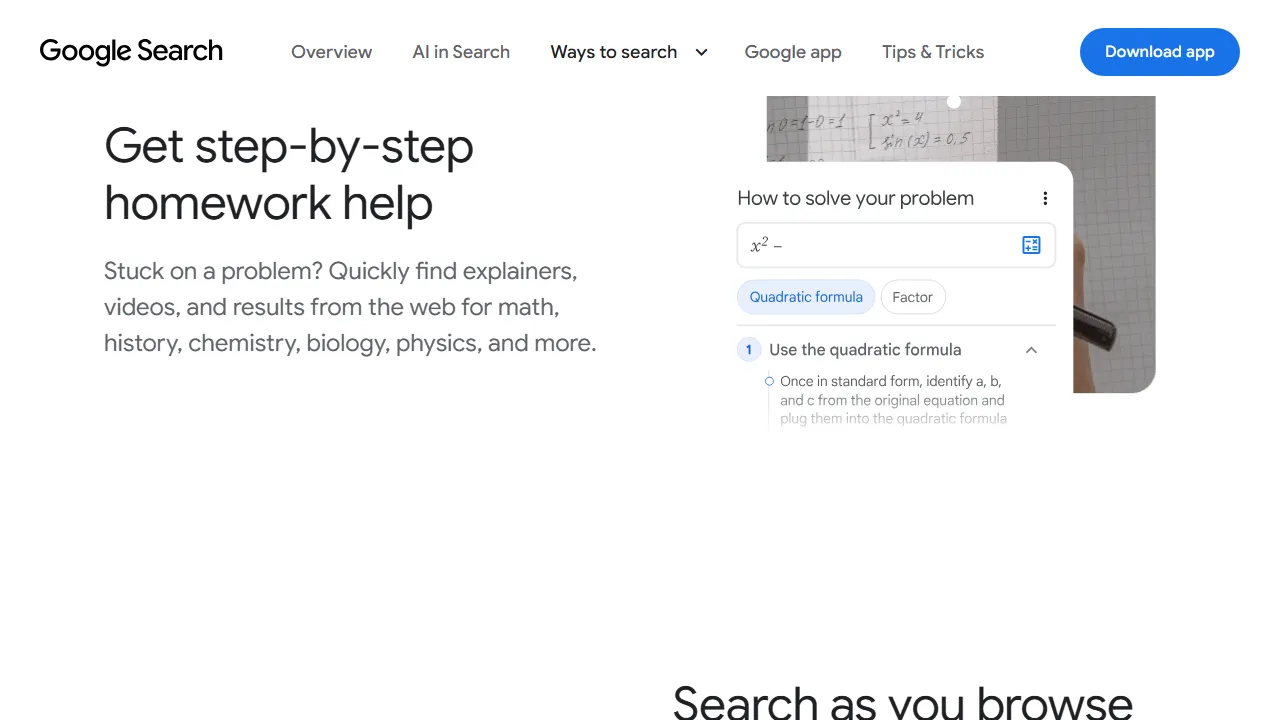
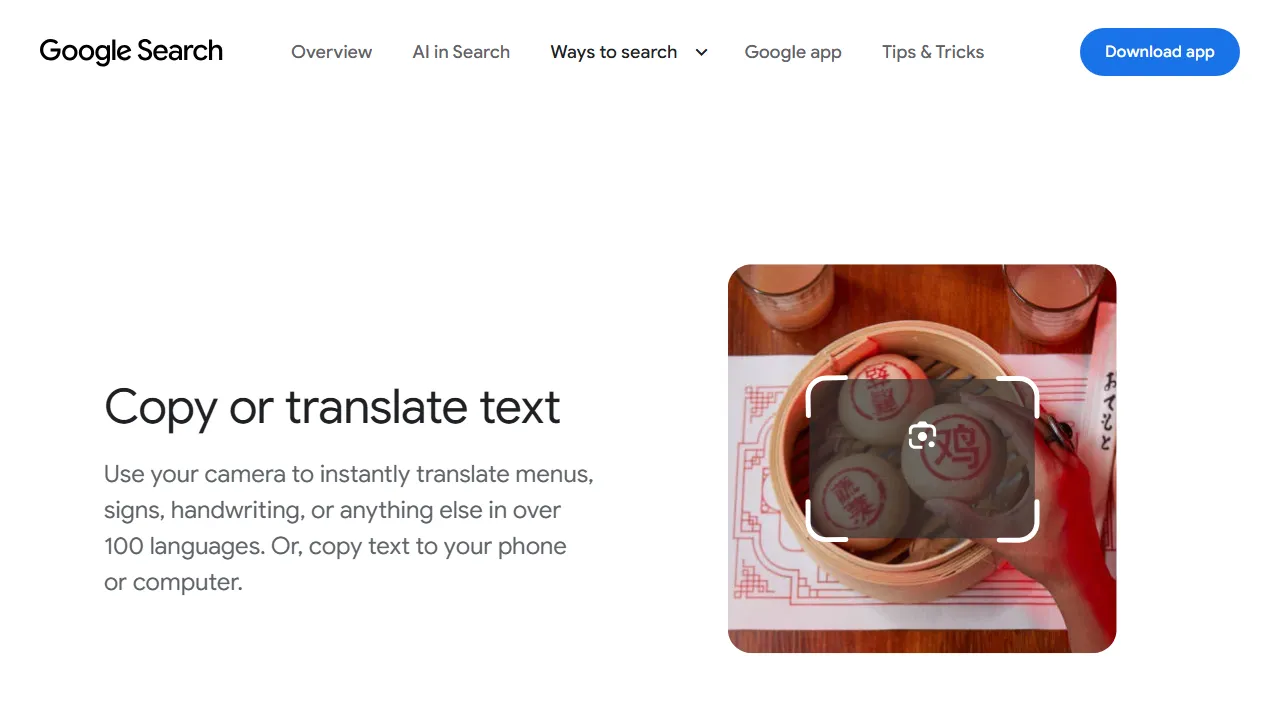
Socratic’s former official website now redirects to Google Lens. Google presents homework assistance as part of visual search alongside other image uses. This listing explains the current destination rather than instructing readers to download a separate Socratic app or assuming its former interface still works.
Finding a useful explanation
Capture a clear question with symbols, units and any relevant diagram. Select the intended portion when several questions appear together. Before reading a solution, check that the right question was recognized; a missing sign or exponent can change the problem entirely.
Compare the explanation with the rule taught in your course and identify the step you did not understand. Apply the idea to another example without looking at the result. For web results, examine context, instructional level and source rather than treating search position as sufficient evidence of accuracy.
Limits of the assistance
Image recognition can be wrong, or a result may address a similar problem instead of yours. A short final answer may be insufficient when interpretation or proof matters. Ask a teacher when the result conflicts with course material, and follow assessment rules on outside assistance.
Access and privacy
Google describes Lens access on mobile and desktop, with features potentially differing by device and region. Use official links to identify the route available to you. Capture only the question where possible, excluding names, grades and private information. The useful outcome is understanding reasoning you can explain independently.