

Rose AI
AI-assisted data discovery,analysis and visualization,particularly for financial research;verify sources and confirm access and cost with the vendor.

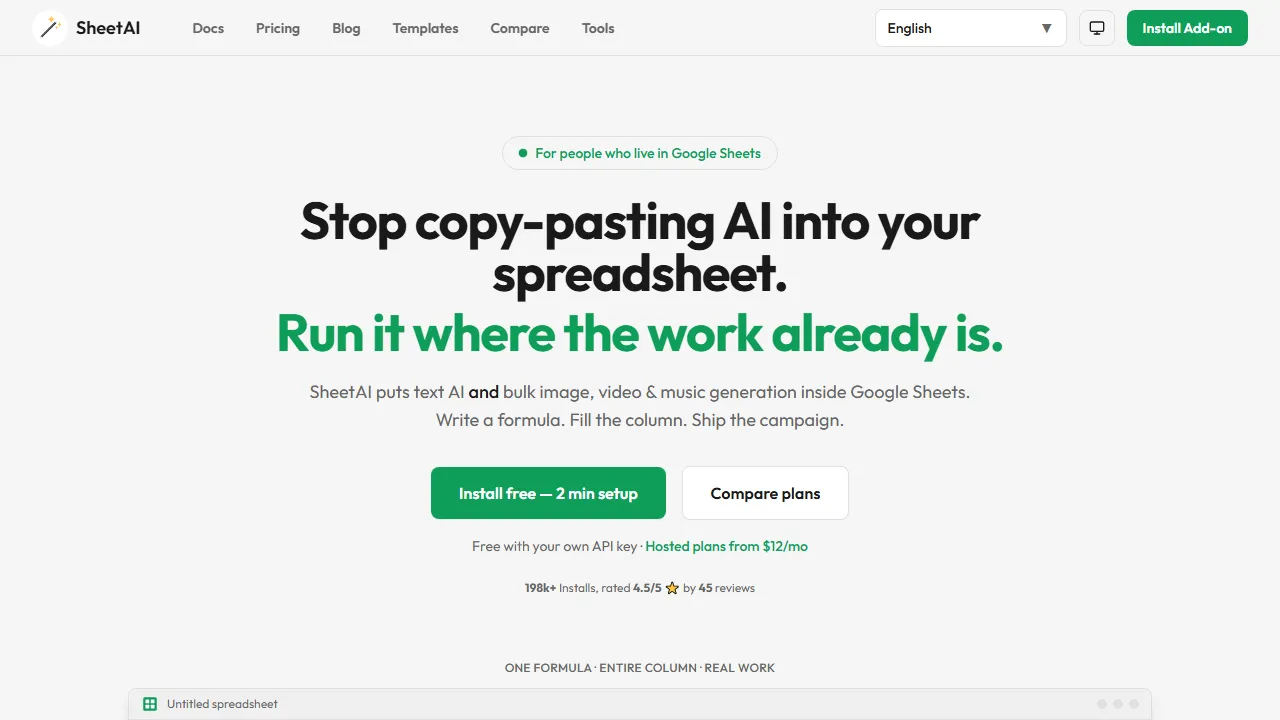
SheetAI brings AI functions into Google Sheets for tasks such as writing, classification and supported media workflows. It offers a free bring-your-own-key route and paid hosted plans. External model costs and checking row-level results still matter.
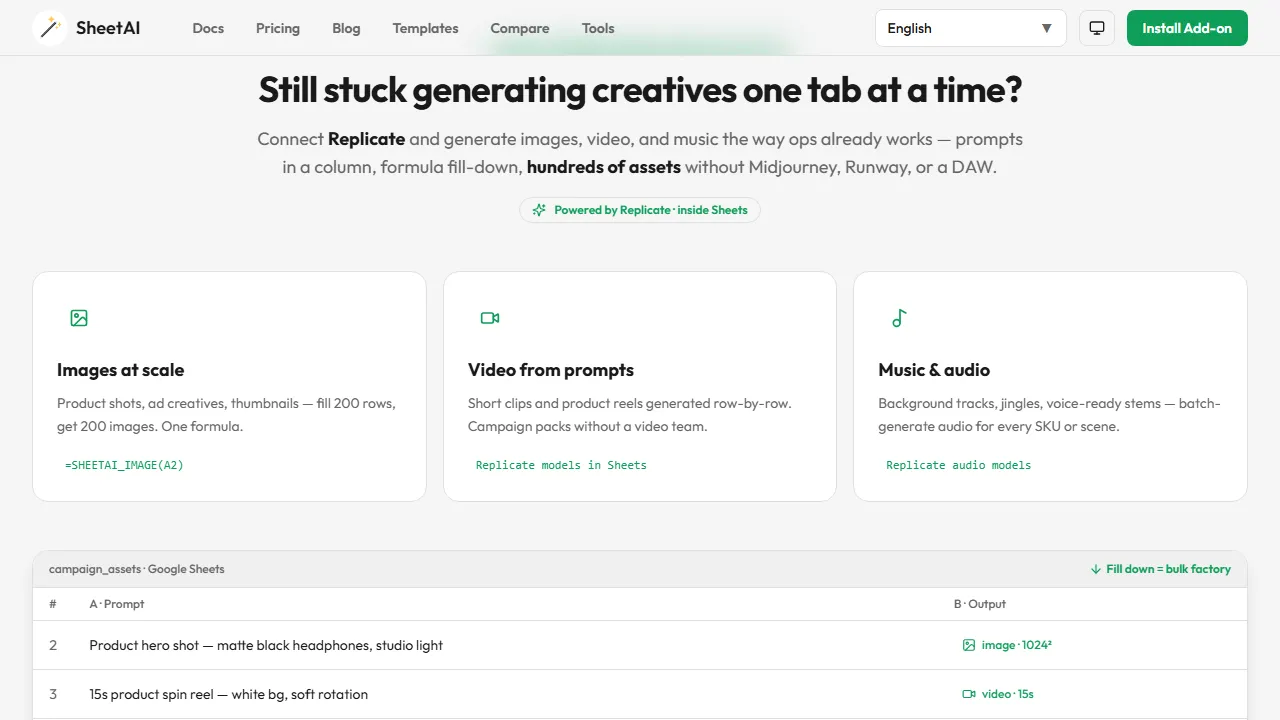
SheetAI works inside Google Sheets so AI tasks can use cell data without copying each row into a separate chat. It presents writing and processing functions plus image, video and audio capabilities depending on the tool and provider. This fits repeated work over structured rows, such as descriptions or comment classification.
Prepare a source-comment column and a category column. Define labels such as shipping issue, feature request or usage question, and add examples of ambiguous cases and an unmatched category. That gives you a standard to check instead of accepting a different improvised label for every row.
For product descriptions, prohibit specifications absent from the source row. For generated media, a returned link does not automatically establish permanent file storage or publication rights.
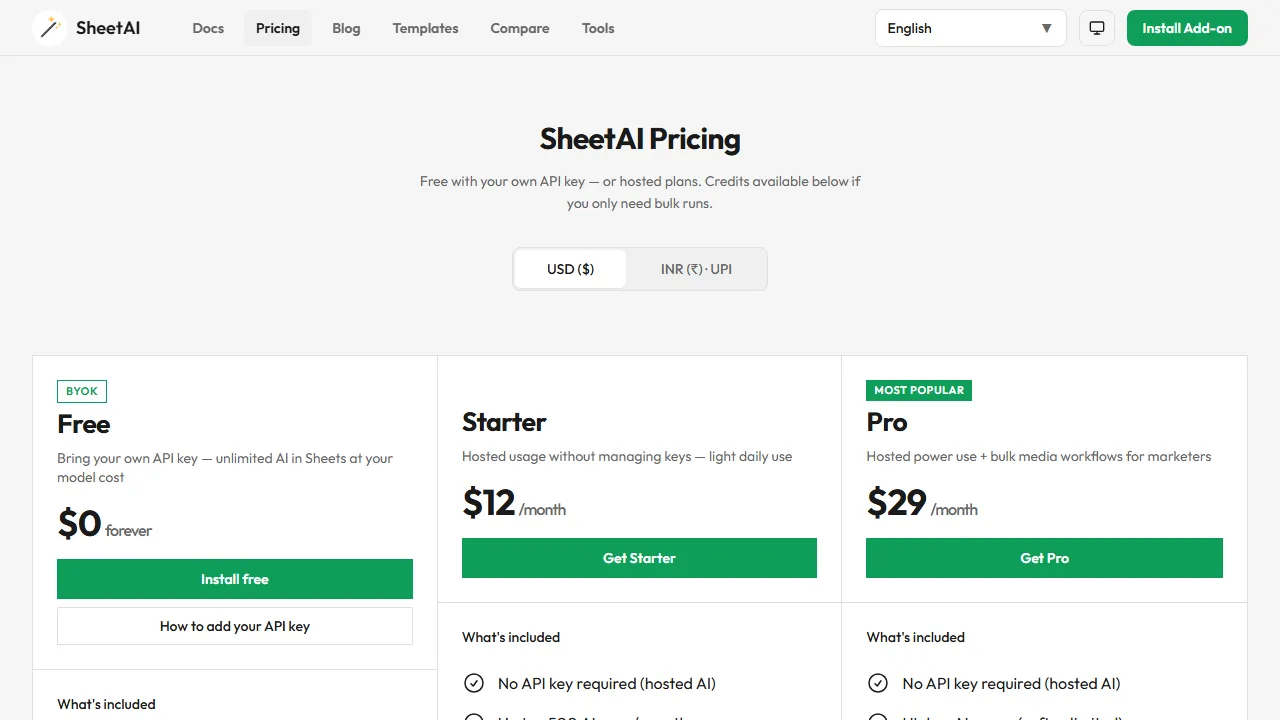
The provider offers a bring-your-own-model-key route and paid hosted options that avoid key setup. A free add-on route does not remove external model-provider charges or limits. Using a model API inside the add-on also does not establish a separate public SheetAI API.
Review requested spreadsheet permissions, data handling and current functions before installation. Text and media operations can have different costs affected by input size and repetition. A Workspace add-on is not necessarily a browser extension. Ordinary formulas or fixed classification rules may be simpler and cheaper when the task is fully defined.
AI-assisted data discovery,analysis and visualization,particularly for financial research;verify sources and confirm access and cost with the vendor.

OSSInsight is a free platform for analysing public GitHub activity and comparing projects. Data Explorer is under maintenance and some rankings are paused; check time coverage before comparing results.

Arcwise helps teams investigate metric changes and prepare data-linked explanations or reports. Review definitions and context, and confirm current access, pricing and integrations rather than relying on older spreadsheet-extension descriptions.