What is Pixelcut?
Pixelcut combines editing and generation for product images and commercial visual content. It presents background removal, upscaling, frame expansion, retouching and batch work, alongside image and video workflows. If you encounter Pixa, the company explains it was a temporary rebrand before returning to Pixelcut;it should not be assumed to be a separate product.
Where can it help?
A seller could standardize backgrounds, or a team could explore product scenes and advertising layouts. Establish whether an image documents the product or illustrates an advertising concept. The closer the use is to describing an item for sale, the more important preserving its actual shape, color and details becomes.
Preserve product identity
- Begin with an authorized source image whose lighting reveals important details.
- Apply one change first, and compare edges, logo and material with the original.
- Inspect upscaling at the intended display size;invented detail is not evidence it existed in the source.
- Test a small batch before scaling up, and watch any generated video in full.
Keep an unedited copy. It helps correct an attractive result that no longer matches what a customer will receive.
Web, mobile and API
The provider documents mobile apps, browser access and an API. Editing in an app is different from building an automated workflow in your own system. Check API operations and billing rather than assuming an app subscription includes every integration or unlimited generation.
Plans and fit
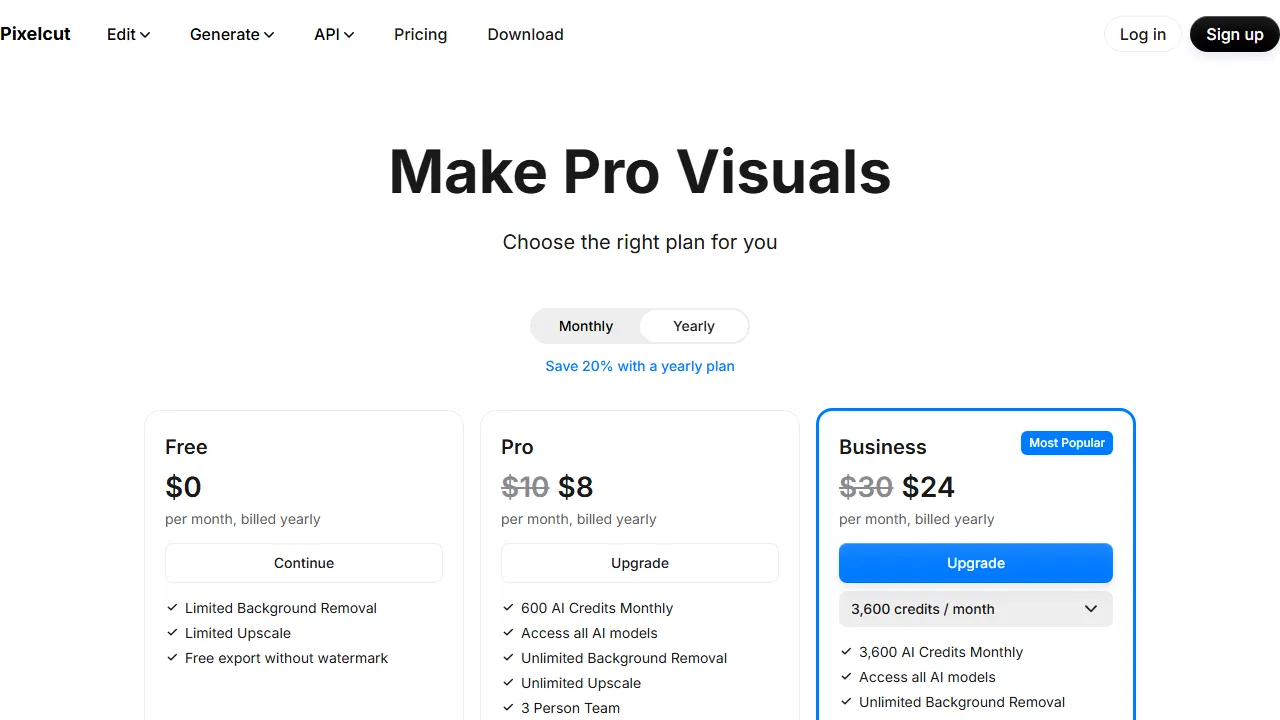
Basic free tools sit alongside paid plans, with credits for some models and advanced work. Review commercial rights, export allowances and the cost of the specific operation. One successful result does not establish equal performance on every material, face or product. A photographer or specialist editor may be more appropriate for shots requiring strict fidelity.