What is LightPDF?
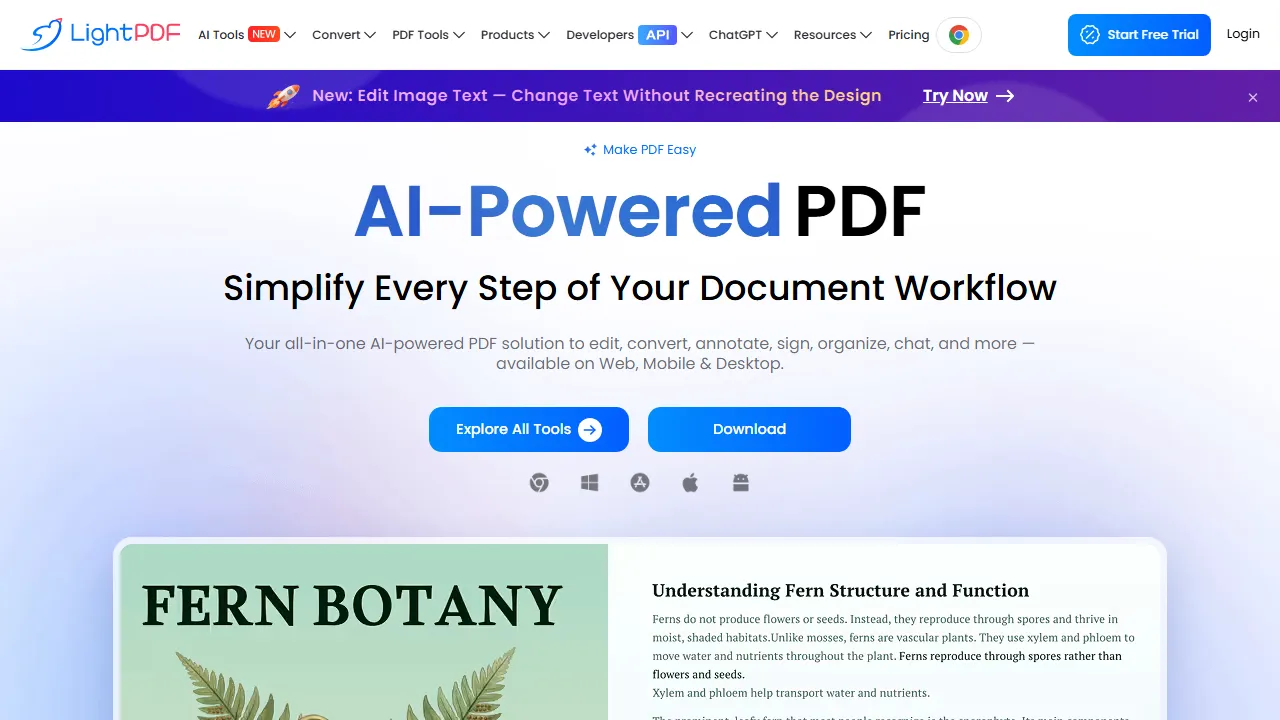
LightPDF combines editing, conversion, annotation, organisation and OCR with AI-assisted chat, summaries and generation. It suits workflows that involve preparing files as well as understanding their content.
Inspecting conversions
Keep originals and inspect page order, fonts and tables after conversion. For scans, check OCR of numbers, names and units. A file opening successfully does not establish perfect layout preservation or correct text.
Document chat
Use summaries and questions to locate important passages, then verify them in the file. Numbers can be confused and exceptions omitted, particularly in tables or images. Review privacy and permissions before adding work documents or enabling sync and sharing.
Platforms and credits
A free web plan limits files and functions; paid options span web, mobile and desktop. A perpetual software licence does not mean unlimited AI credits: allowances and validity vary by plan and operation. Separate API services have their own pricing to check before integration rather than assuming inclusion in an end-user subscription.