
VidEraser
Image/video editor for removing text and marks with AI reconstruction; object removal is image-only, exports are paid and eligible previews require an account.
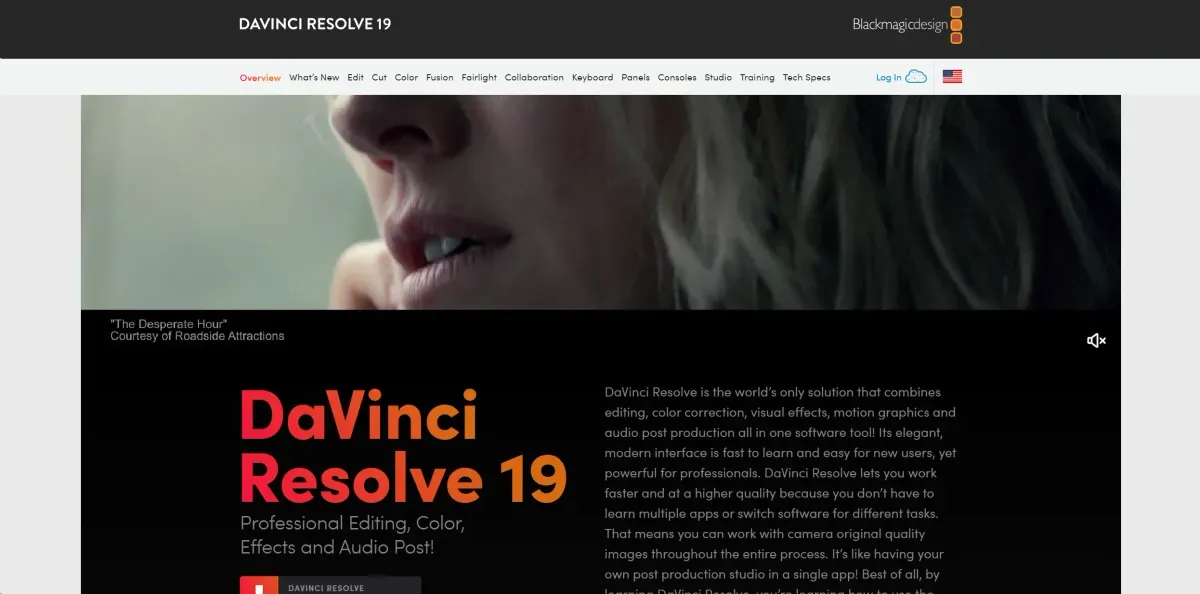
DaVinci Resolve combines editing, colour, effects and audio with free and paid Studio editions. Desktop and iPad versions differ; AI tools, formats and performance depend on edition and hardware.
DaVinci Resolve combines video editing, colour correction, visual effects and audio post-production, with edition-dependent AI tools. It suits people managing multiple finishing stages in a connected project.
Organise media and project settings, then build the edit before detailed colour, sound and effects. Test a short section of demanding footage and inspect audio sync and the exported result. Heavy files may require proxies or suitable hardware.
Selected tools assist search, reframing, voice isolation or tracking, but not all are in the free edition. Check Studio, GPU and format requirements for the intended feature. Inspect edges, detail and motion rather than treating automation as an editor's final judgment.
Free and paid Studio editions have desktop downloads and an iPad version with different functions and hardware needs. Cloud collaboration services may be separate from the software licence. Scripting APIs support edition-dependent automation; they are not an unlimited cloud video-editing service.
Image/video editor for removing text and marks with AI reconstruction; object removal is image-only, exports are paid and eligible previews require an account.

Zeemo combines captions and video editing with a broader image, video and audio studio. It can help prepare readable or translated versions, but transcripts, translation and timing need review. Credits, export and retention limits depend on the plan.

Video editing with AI and limited free Essential access; 365 subscriptions and one-time editions differ in tools, updates and credits.