

Ideogram
Ideogram creates and edits images from prompts or references, with text/design tools and video options. Credits and access vary by plan; check lettering, details and asset rights.
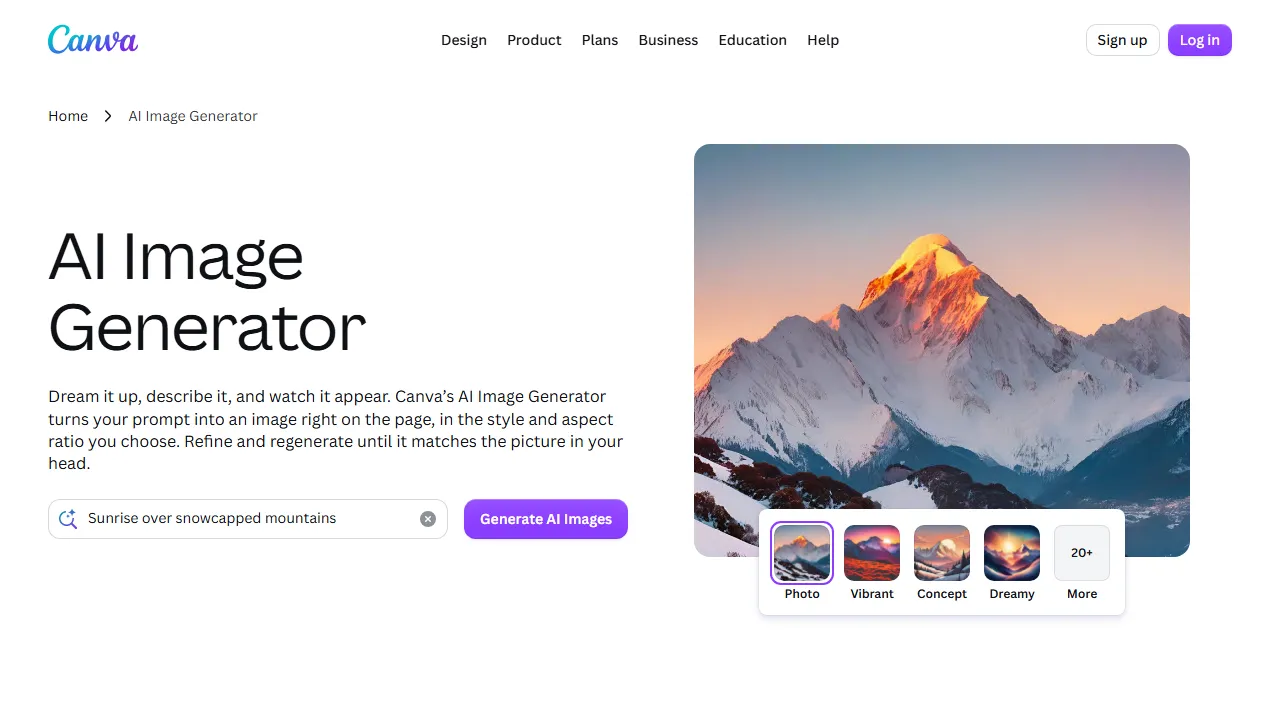
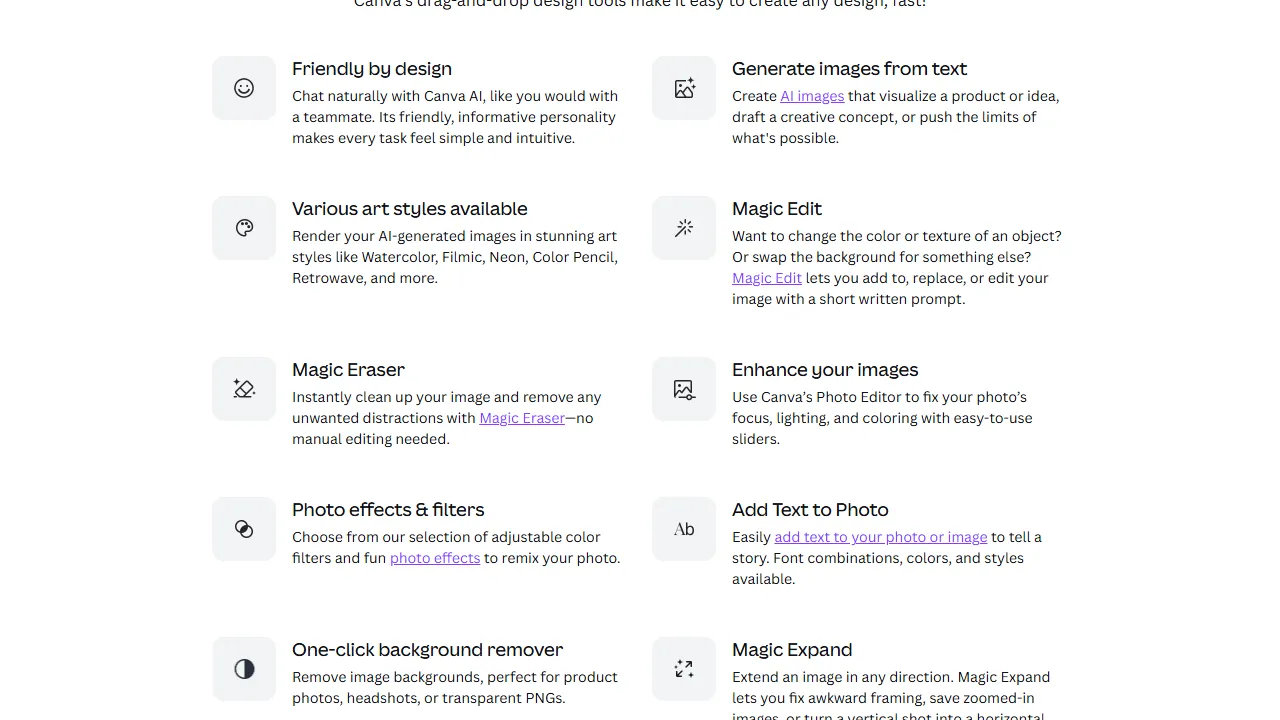
Image generation inside Canva with plan-dependent shared AI allowances, native apps and a restricted preview generation API.
This name refers to image generation inside Canva. The old route redirects to the current AI Image Generator, which creates images from prompts with style and aspect-ratio choices.
Specify the subject and composition, compare alternatives and add important lettering as editable design text. Check dimensions before printing.
Free access is limited; paid plans expand access. Current Canva tools use a shared monthly AI allowance that varies by plan, tool and task complexity. Third-party apps can have separate credits. Older fixed quotas should not be treated as universal.
Canva has desktop and mobile apps. Its documented image-generation API is in preview, requires user permissions and consumes the user's allowance. Preview APIs have public-app publishing restrictions. Check model and input terms; output quality and uniqueness are not guaranteed.
Ideogram creates and edits images from prompts or references, with text/design tools and video options. Credits and access vary by plan; check lettering, details and asset rights.

Bria AI offers controllable image generation and editing through tools and APIs. Review product fidelity, input rights and contractual terms. Initial free usage is limited, and contractual protection does not establish blanket clearance for every use.

Artbreeder offers image creation, reference mixing and visual iteration using text and images. It can support character or scene concepts, but is not a game engine or guarantee of production-ready 3D assets. Review detail, consistency, reference rights and account limits before using output.