What is Brisk Teaching?
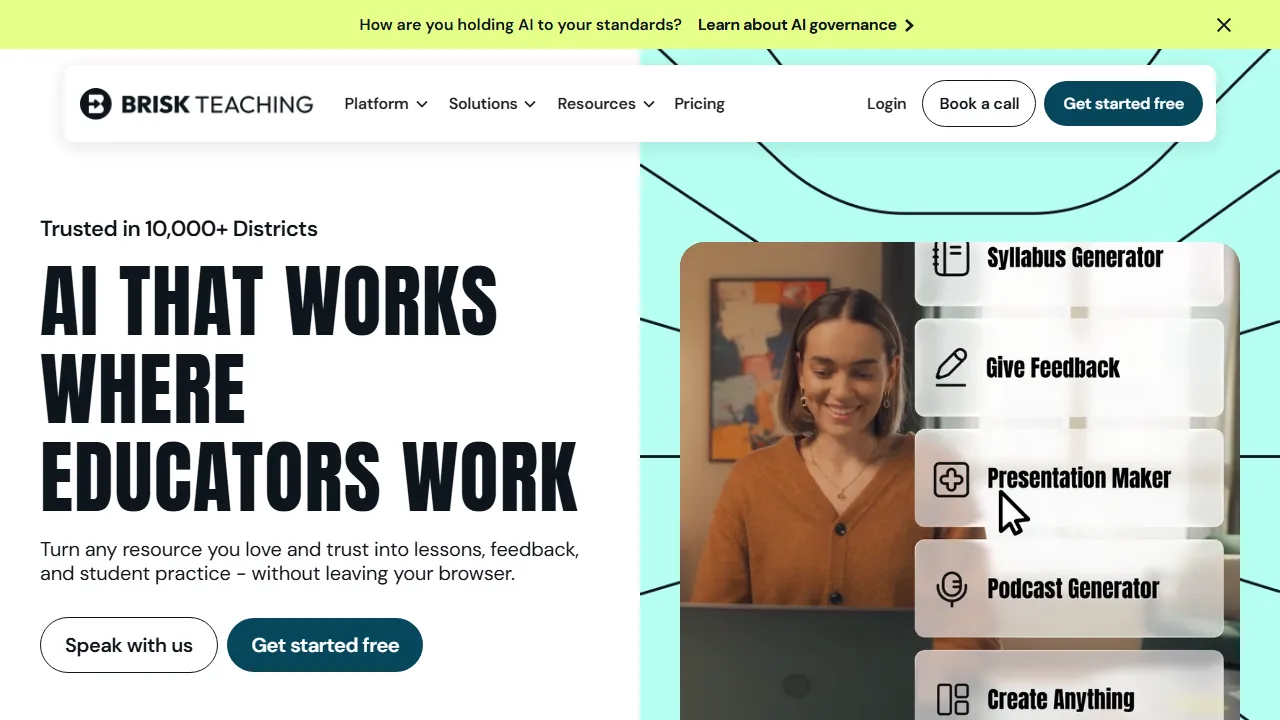
Brisk Teaching supports educators through a Chrome or Edge extension and web platform. It helps develop resources from documents, pages or videos, alongside feedback, reading-level adaptation and teacher-led activities.
From source to activity
Choose a trusted source and specify the objective and grade before generating questions, an activity or an adapted text. Compare the output with the source and inspect answers and concepts: simplification can omit an important exception or change meaning.
Feedback and translation
Review suggested comments against a clear rubric and the student's actual work. Writing-analysis indicators alone should not establish cheating or a final judgment of ability. Multilingual translation tools are available, but terminology and level need review by an educator familiar with the language and subject.
Access and plans
A free teacher plan and paid school or district options differ in capabilities, alignment and administration. An account is required, and a premium trial may precede return to free access. Check browser support, extension permissions and school policy rather than assuming every institutional feature is included in a free individual account.