

VidEraser
Image/video editor for removing text and marks with AI reconstruction; object removal is image-only, exports are paid and eligible previews require an account.
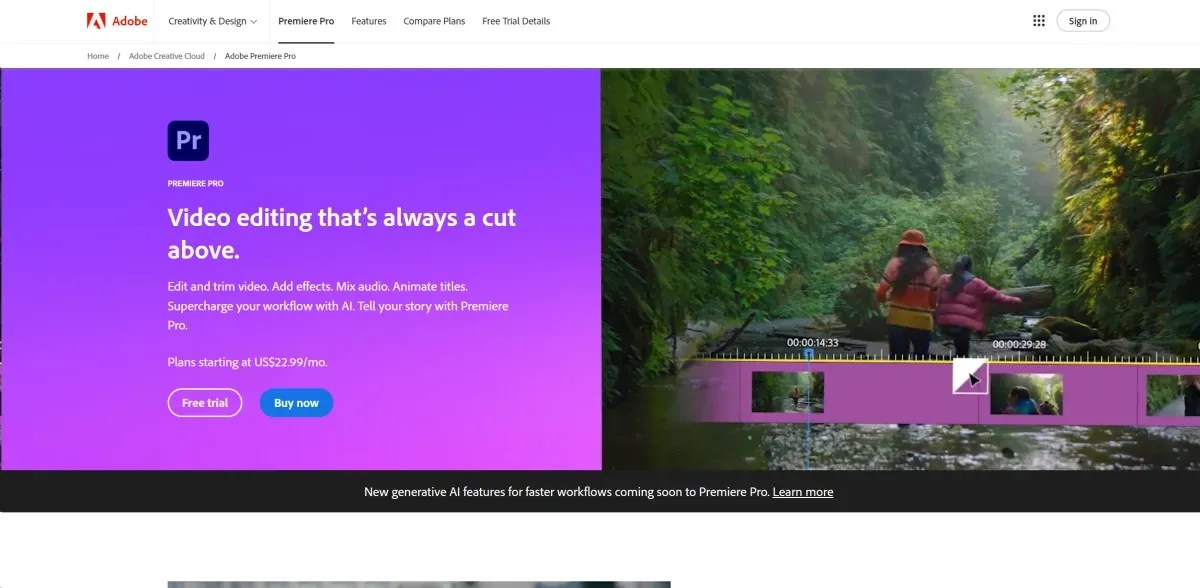
Adobe Premiere Pro is a desktop video editor for editing, audio, colour and plan-dependent AI workflows. It uses paid subscriptions with a trial; the separate mobile app and generative or stock content have different conditions.
Adobe Premiere Pro is a desktop editor for organising footage, editing, audio, colour and titles. Edition- and plan-dependent AI tools assist particular tasks while the editor retains storytelling and review decisions.
Set sequence settings and media locations and build a clear rough cut before effects. Review text, timing, sound and source compatibility, testing a short export before finishing a long project.
Generative tools or clip extension may address gaps but can change details that need visual inspection. Check rights to images, voices and music and the terms of supplied assets. A subscription does not include every Adobe Stock item or Firefly function without additional cost.
The desktop product is paid with a limited trial and plan-specific generative allowances. The free Premiere mobile app is separate with different functions and entitlements. UXP APIs let developers build tools inside Premiere and control projects; they do not establish a general hosted editing service or programmatic access to every function.
Image/video editor for removing text and marks with AI reconstruction; object removal is image-only, exports are paid and eligible previews require an account.

Zeemo combines captions and video editing with a broader image, video and audio studio. It can help prepare readable or translated versions, but transcripts, translation and timing need review. Credits, export and retention limits depend on the plan.

Video editing with AI and limited free Essential access; 365 subscriptions and one-time editions differ in tools, updates and credits.